
Monroe County Arrests Today
The MCSO Current Arrests page opens with an “Arrests by Date” view. The newest date shown is the working same-day list. Each day gets its own data file. That file carries a timestamp telling you when MCSO assembled the snapshot. A morning check may still show an overnight batch. That is the system working, not a glitch.
Nothing posts instantly after an arrest. MCSO makes no minute-by-minute promise. Processing, identity checks, charging data, a photo, and approval all come before the web record appears. A late-night arrest may therefore land in a later snapshot or under the date the booking data assigns.
The MCSO Current Arrests page shows its date-based view.
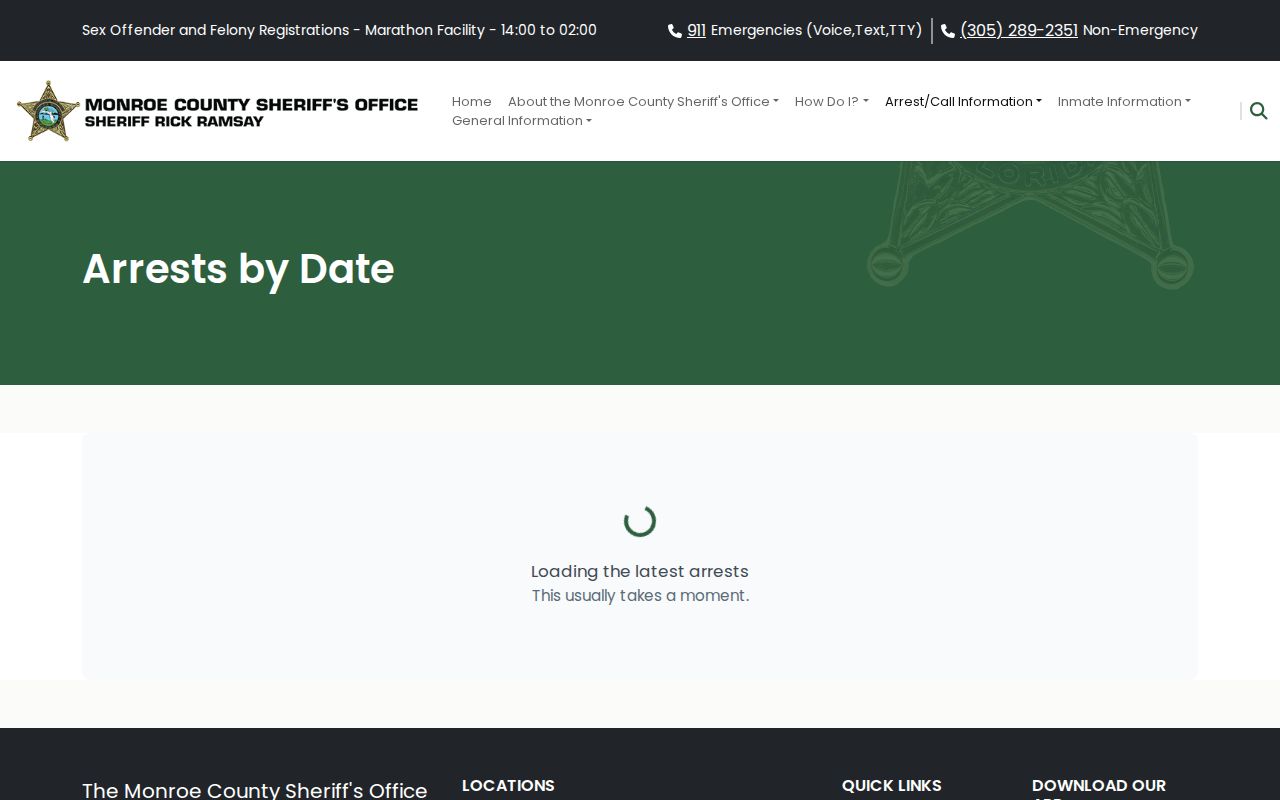
The live page is the authority; its records change.
Check Who Was Arrested Today
Treat the newest date and the data timestamp as two different facts. The tab shows which date bucket is open. The timestamp shows when MCSO assembled the snapshot.
- Open MCSO Current Arrests and allow the Arrests by Date cards to load.
- Select the newest displayed date, even if an older date contains more entries.
- Read the page's as of time and note that later bookings may not yet be included.
- Compare the full name and age, then open the detail record for the arrest date, time, location, charges, bond, and available identifiers.
- Treat the charge wording as the charge recorded at intake. Use the Monroe County Clerk criminal docket for later case action.
- If no photo is shown, do not infer that no arrest occurred. Some MCSO records use a placeholder.
- If the person may remain held, check MCSO Current Inmates or contact the jail at (305) 293-7300.
Need more than today? The broader Monroe County recent-arrests guide explains how Current Arrests, Current Inmates, the Clerk, and a records request answer different questions.
Fields in Monroe Arrest Records
Public cards show only selected fields. The detail record can hold more. Not every entry fills every field, and a blank should never be patched from an unofficial copy.
| Field | What it tells you |
|---|---|
| Name and age | Identity clues for separating people with similar names. |
| Arrest date and time | The event timing recorded in the feed, which may differ from the snapshot time. |
| CAD or offense number | An incident reference useful when contacting MCSO records. |
| Arrest location and officer | Where the event was recorded and the officer field when supplied. |
| Charges | Booked descriptions, classifications, and statute references, not a court disposition. |
| Bond and arraignment | Intake-era bond or court-navigation information that requires live confirmation. |
| Booking photo | A record-specific image when supplied; some entries show a star placeholder. |
Note: Avoid repeating addresses or birth dates merely because a public record contains them; use only what is needed to confirm identity.
When a Fresh Booking Is Missing
Start with the newest tab and timestamp again. Then try MCSO Current Inmates. That page is a custody roster, not a booking-photo feed. It updates on its own clock, so its timing can differ from Current Arrests. Fields cover name, age, MNI number, location, charges, bond or case details, and arraignment information.
Still no answer? Call the jail number listed in Florida's county-jail directory at (305) 293-7300. For a formal copy, use the MCSO public-record portal. Include the full name, approximate date, and any MNI, CAD, or offense number you know. Ask for the booking record and photograph. The web card is not the whole file.
VINE sends alerts after a known booking. The site's VINE Arrest Check page explains the statewide service. A no-match is not proof of release, since VINE data can lag.
Photos and Arrest Allegations
A booking photo appears when the record includes a photo URL. Others get a generic star. Current Inmates is not a photo gallery. These gaps reflect system state and publication choices, nothing more.
A booking record freezes one moment. Cases change after that. The Monroe County Clerk criminal search is the better tool for docket events and outcomes. The MCSO entry shows what was recorded at booking, not how the case ends.
The MCSO Snapshot Difference
The arrest feed and roster are separate products. Current Arrests holds recent bookings, with a photo or placeholder. Current Inmates shows who is in custody. A person can land in both, one, or neither. Release, transfer, slow processing, or a lawful restriction can explain it.
The gap matters most on day one. A new arrestee may reach the custody roster before the arrest card is approved. A released person may drop off Current Inmates while the dated card stays in the feed. Neither screen is a full archive. MCSO publishes no guaranteed web-retention period.
The underlying official MCSO arrest data source feeds the daily files behind the page. Most readers can skip it and use the rendered site.
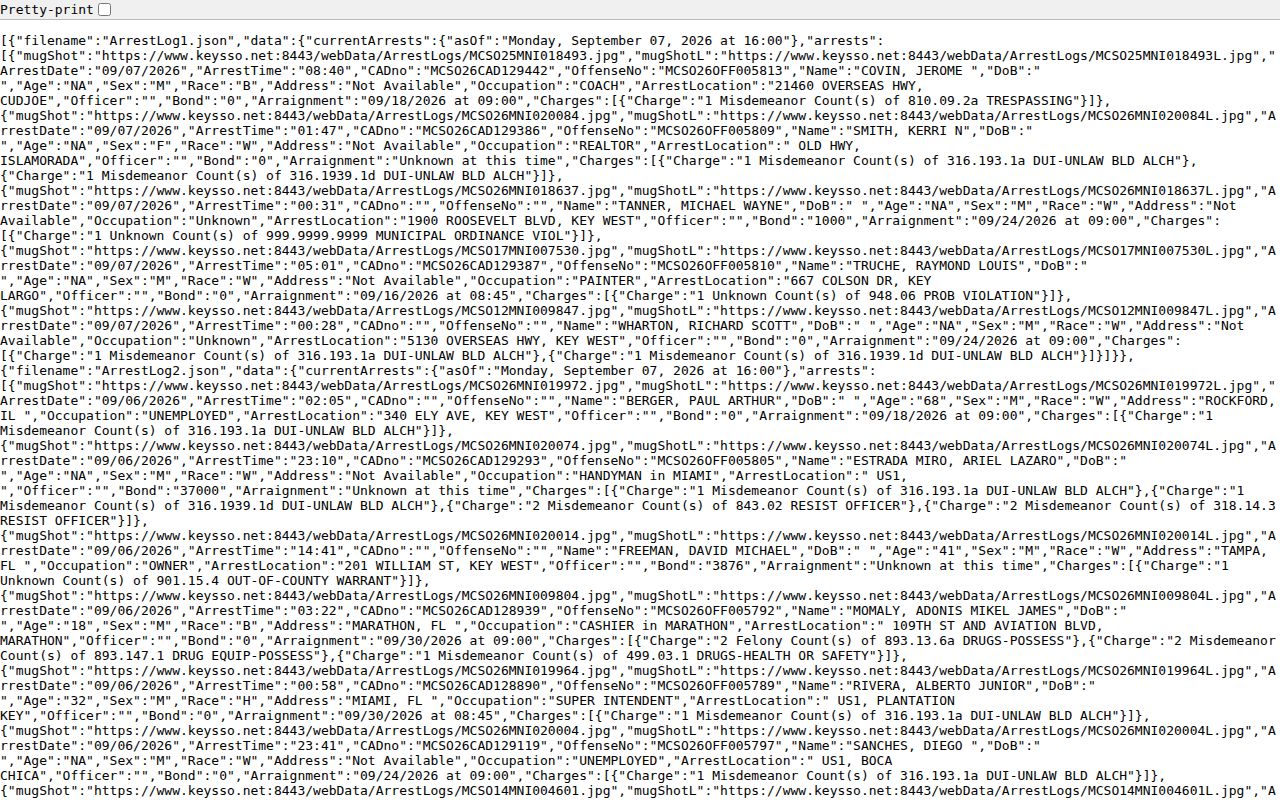
That feed is mainly technical; use the rendered page.
Where Today's Window Ends
Today's bucket at MCSO covers a tight window. Weekends complicate things. Arrests get posted late, and some carry an earlier date. When a name refuses to appear, work backward through the older buckets. Don't treat the gap as meaningful. The Arrest Reports page handles that wider sweep across eight posted files. It also covers what happens once a record rolls off the list.
Custody stage matters too. Someone released yesterday won't show on the current roster. A person sentenced to state prison belongs with the Florida Department of Corrections. That's not a county hold. Federal cases call for the federal locator that fits them.